Input/Output
Input/Output (IO for short) refers to how a program communicates with the outside world; specifically, how it receives (input) and sends (output) information. So far, we've mostly talked about how data is stored and manipulated, but a program isn't very useful if it can't interact with a user.
Output
Output is the easier of the two, and you've likely already seen it used throughout
this guide. Java provides the built-in System.out object to print information to
the console.
| Method | Description |
|---|---|
System.out.print() | Prints text with no line break afterward |
System.out.println() | Prints text followed by a line break |
System.out.print("Motor Voltage: ");
System.out.println(6.5);
Output:
Motor Voltage: 6.5
Multiple values can be combined into a single output statement using the + operator,
which concatenates (joins together) values into a String.
int numMotors = 4;
System.out.println("Number of motors: " + numMotors);
Output:
Number of motors: 4

Input
To receive input from a user, Java provides the Scanner class, which reads data
typed into the console. Unlike System.out, Scanner isn't automatically available;
it must be imported and instantiated (created) first.

Importing Scanner
Since Scanner isn't part of the basic Java language, it must be imported at the top
of the file, above the class declaration.
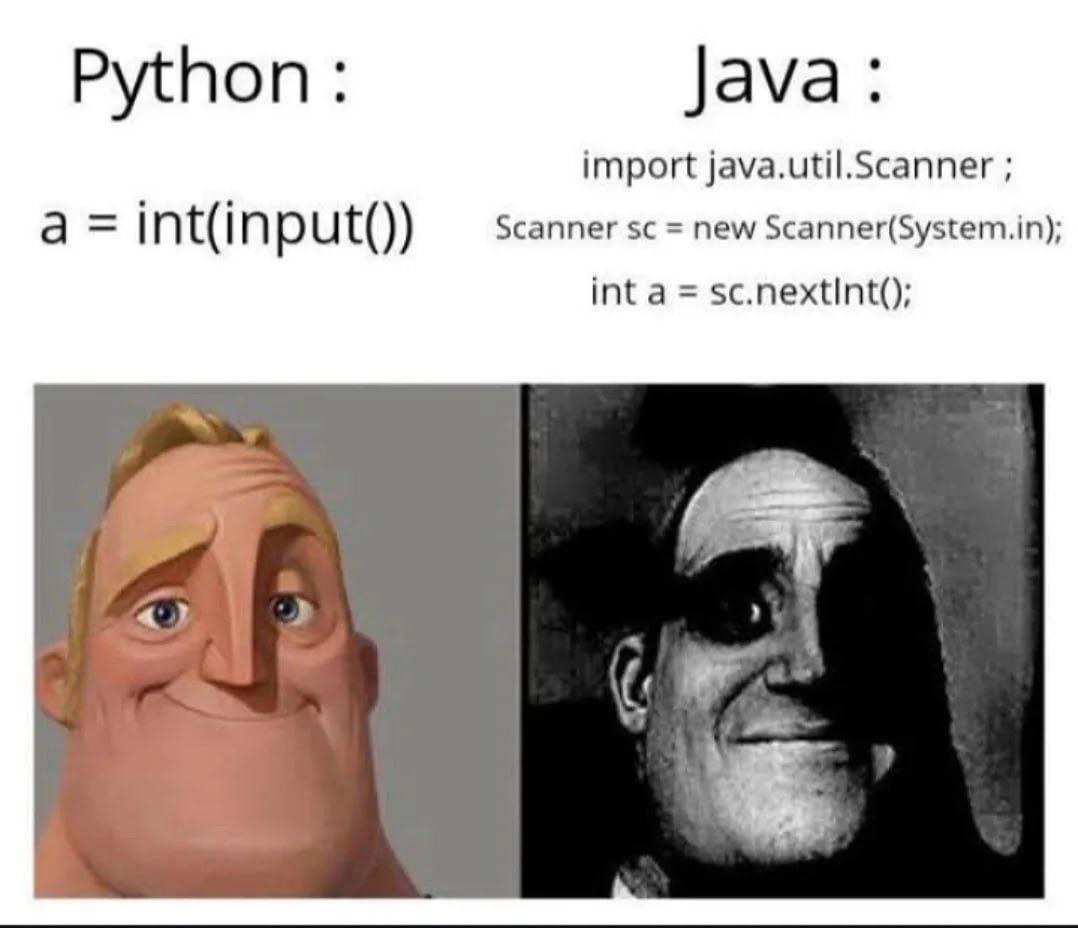
import java.util.Scanner;
For more information about imports and packages, see the Object-Oriented Programming section.
Creating a Scanner
Once imported, a Scanner object can be created to read from System.in, which
represents input typed into the console.
Scanner scanner = new Scanner(System.in);
For more information about objects and the new keyword, see the Object-Oriented
Programming section.
Reading Input
Once a Scanner object exists, it can be used to read different types of input,
depending on the method called.
| Method | Description |
|---|---|
nextInt() | Reads the next int |
nextDouble() | Reads the next double |
nextBoolean() | Reads the next boolean |
next() | Reads the next word (String) |
nextLine() | Reads an entire line (String) |
Scanner scanner = new Scanner(System.in);

System.out.print("Enter the number of motors: ");
int numMotors = scanner.nextInt();

System.out.println("You have " + numMotors + " motors.");
Mixing nextLine() with Other next Methods
One common pitfall when using Scanner is mixing nextLine() with the other next
methods. Methods like nextInt() only consume the number itself, leaving the leftover
newline character in the input behind. If nextLine() is called immediately after,
it reads that leftover newline instead of waiting for new input, which can seem like
it was skipped entirely.
Scanner scanner = new Scanner(System.in);

System.out.print("Enter your age: ");
int age = scanner.nextInt();

System.out.print("Enter your name: ");
String name = scanner.nextLine(); // This gets skipped!
A common fix is to add an extra scanner.nextLine(); call after nextInt() to
consume the leftover newline before reading the next line of input.